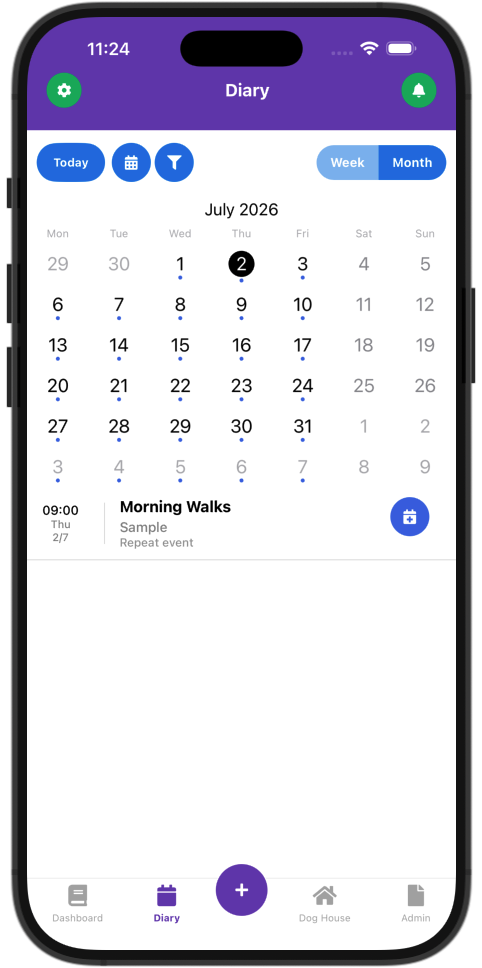
Repeat Events: Set Up Your Regular Walks Once, Let DiggDawg Fill Your Diary
Stop copying the same walk into your diary week after week. DiggDawg Repeat Events create real diary entries automatically — so you can focus on the dogs, not the admin.
If you’re a dog walker or pet care provider, you already know the rhythm: Monday and Wednesday for Max, Tuesday and Thursday for Bella, group walk on Friday mornings. The pattern never changes — but somehow you’re still tapping the same details into your diary again and again.
That’s exactly what Repeat Events in DiggDawg are built for.
What are Repeat Walks?
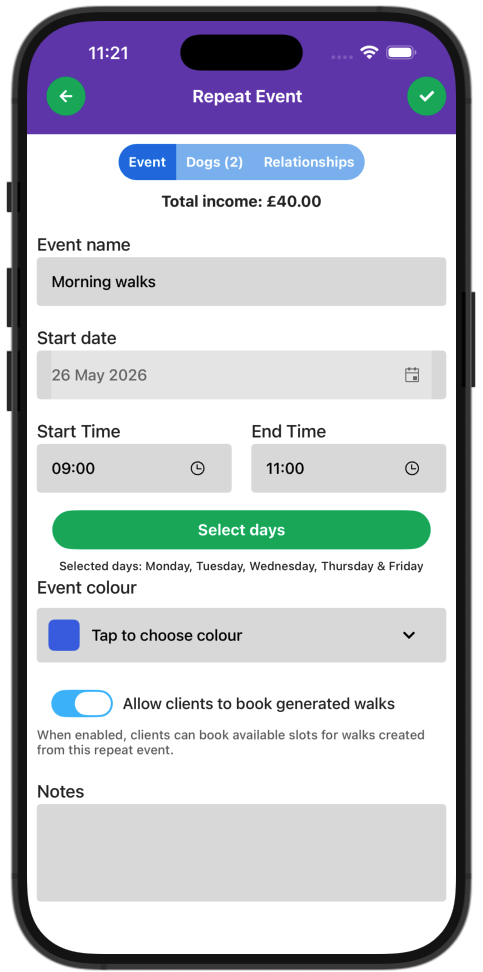
A Repeat Event is a template for a regular walk (or regular slot in your diary). You define it once:
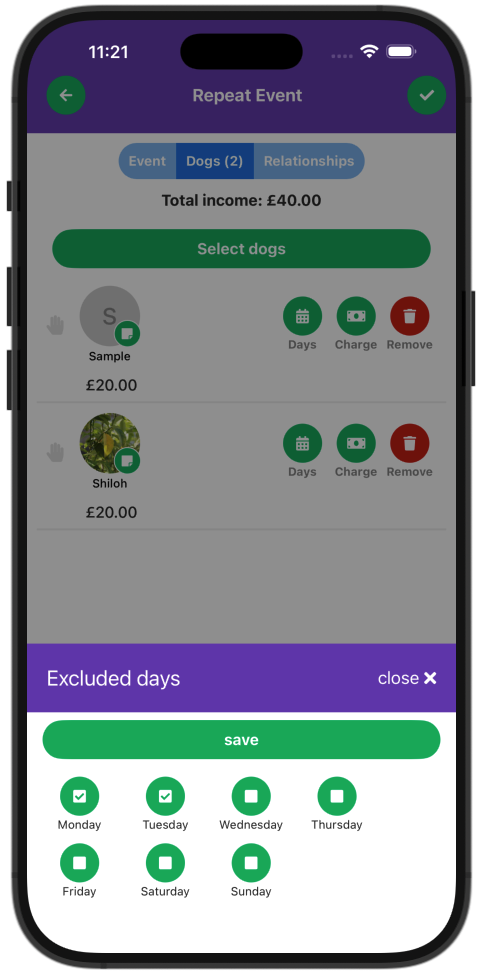
– Which clients are on the walk
– Which days of the week it happens
– Start and end times
– When the pattern starts
– Whether clients can book into those slots
When you save the template, DiggDawg doesn’t just remember the pattern — it creates real walk events in your diary for the next two weeks. After that, the system keeps topping up your schedule automatically so you’re always looking roughly two weeks ahead. No manual copy-paste. No missed Tuesdays because you forgot to extend the series.
Available on web and mobile, so you can set things up at your desk or on the go.
Clients booking with ease
This is important for day-to-day work:
Edit a single generated walk — different time, different dogs, a note for the owner — and the template stays as it was
Delete one occurrence when a client cancels that day — again, future walks from the template are unaffected
When you enable “Allow clients to book generated walks”, the walks created from that repeat can show as bookable slots in your client portal — handy for regulars who self-serve into a rhythm you’ve already defined.